Adding an Attachment to the External Purchase Invoice
You need to add a document like the picture of the scanned invoice to complete the creation of the Manual Supplier Invoice.
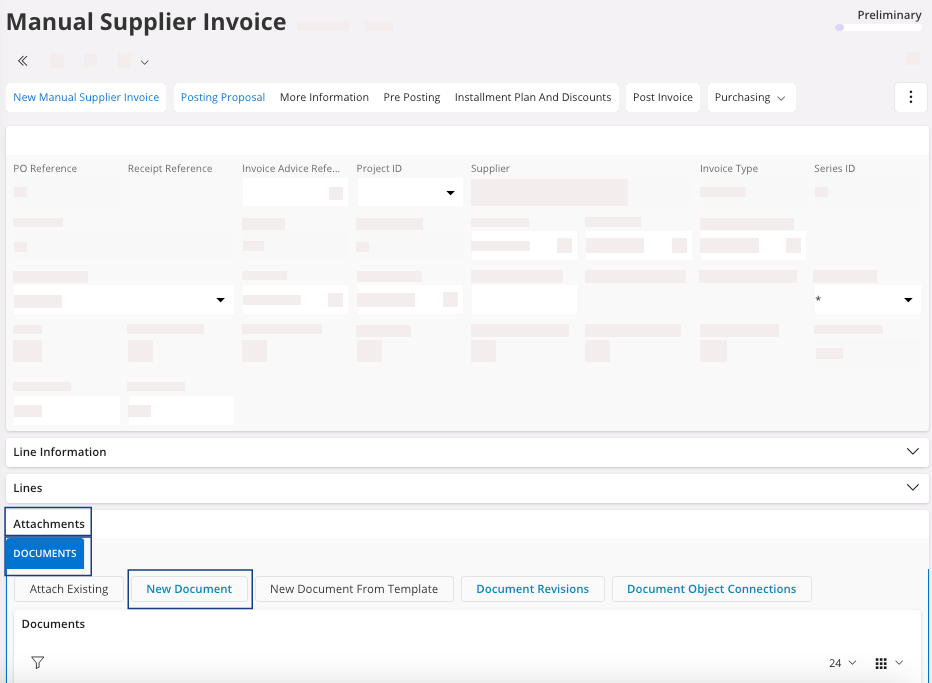
- Scroll down and click the Attachments area at the bottom of the page.
-
Click Documents and then New Document.
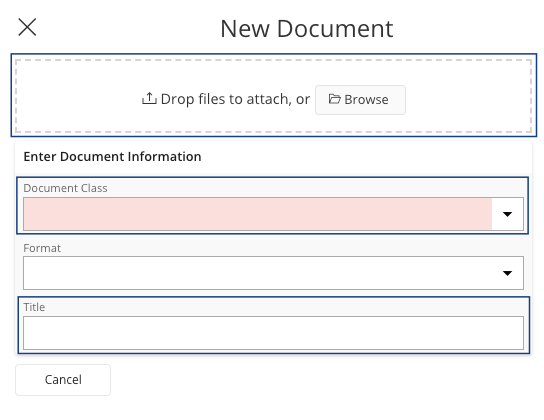
The New Document pane appears. -
Select your file and a document class, according to your company. You can change
the title of the file. Then click OK.