You have different taxation
You have differences between your invoice and your purchase order tax code.
Condition
You have different Tax Code.
Remedy
The taxation on the invoice prevails over the one in the purchase order, so information must be adjusted in the purchase order receipt lines.
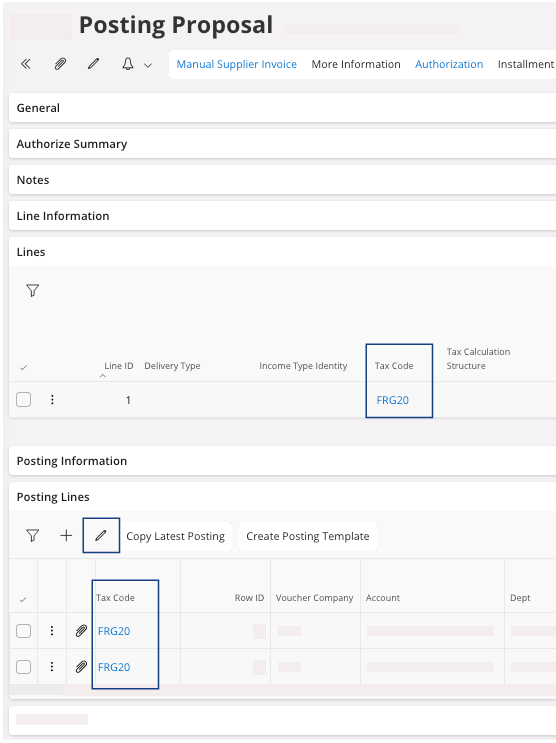
You can see the invoice Tax Code in the Lines area and the purchase order tax code in the Posting Lines area.
-
In the Posting Lines
area, click Edit
 .
.
- Change the Tax Code.
-
Click Save.
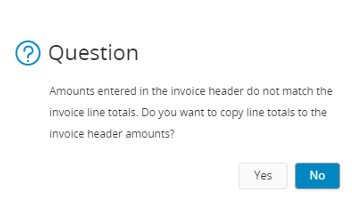
In the Posting Information area, check the Status Message ID, if you do not have any issue, you can perform Approving the Invoice.The following dialog can appear. If you want to copy the line that you just created in the General area, click Yes. Otherwise, you need to create it manually.